
Give Customers a Ticket Workspace
Let authenticated customer contacts create, review, update, and schedule their ConnectWise service tickets.
ConnectWise service operations
Give customers a ConnectWise-backed ticket workspace and turn configured MSPControl events into routed service tickets with consistent priorities and statuses.
Included in every MSPControl plan.
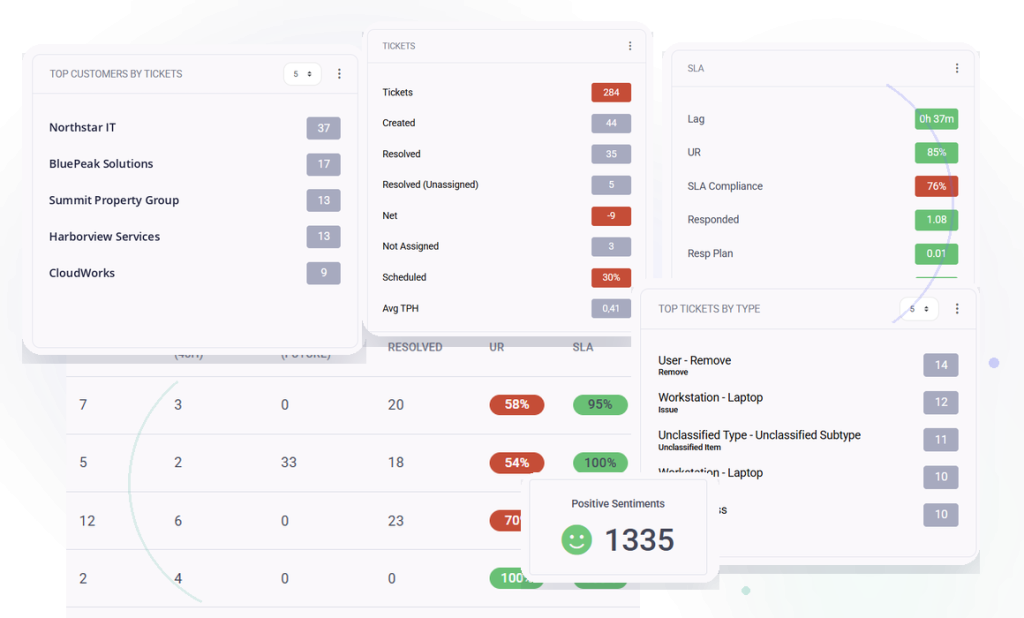
Operational outcomes
Connect customer requests and product-driven ticket automation to the ConnectWise service process your team already operates.
Let authenticated customer contacts create, review, update, and schedule their ConnectWise service tickets.
Create tickets from configured security, device, identity, backup, and service conditions.
Map ticket boards, types, subtypes, priorities, statuses, budget hours, and auto-close behavior.
Platform capabilities
Use the customer ticket workspace and policy-driven ConnectWise automation built into MSPControl.
Everyday MSP workflows
Create a ConnectWise ticket with summary, description, category, priority, and optional files.
Ask for a preferred appointment while opening a ticket or update the schedule later.
Review ticket activity, add comments, exchange attachments, and update status from the customer workspace.
Route configured MSPControl conditions into ConnectWise with workflow-specific mappings.
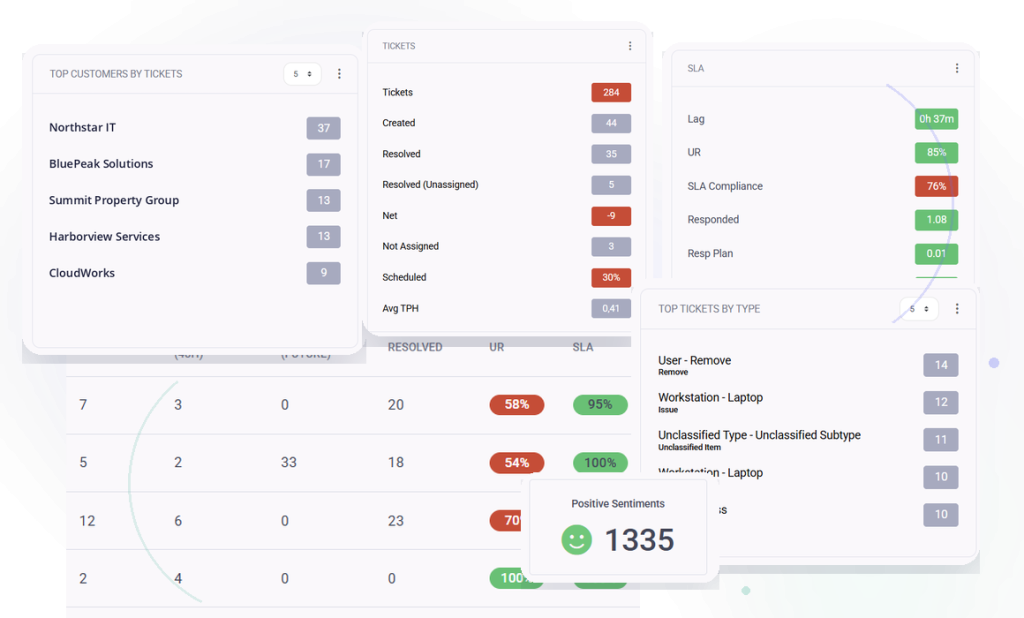
Product view
Connect the customer-facing ticket workspace and MSPControl event automation to your ConnectWise service operation.
Deployment & compatibility
Review supported services, prerequisites, permissions, and deployment guidance before connecting production environments.
Full platform included
Start with the Free License or choose a paid plan for Professional Support and additional capacity.

Self-hosted. Free license available. No credit card required.