


The Mail > Domains page provides a read-only inventory of mail domains available to the hosted mail platform integrated with MSPControl (for example, SmarterMail). A mail domain is the DNS namespace that mailboxes, aliases, groups, and lists are created under (for example, yourdomain.com).
This page is primarily used to confirm that a domain is present and available for address creation in the other Mail submenus (Accounts, Mail Aliases, Groups, and Lists).
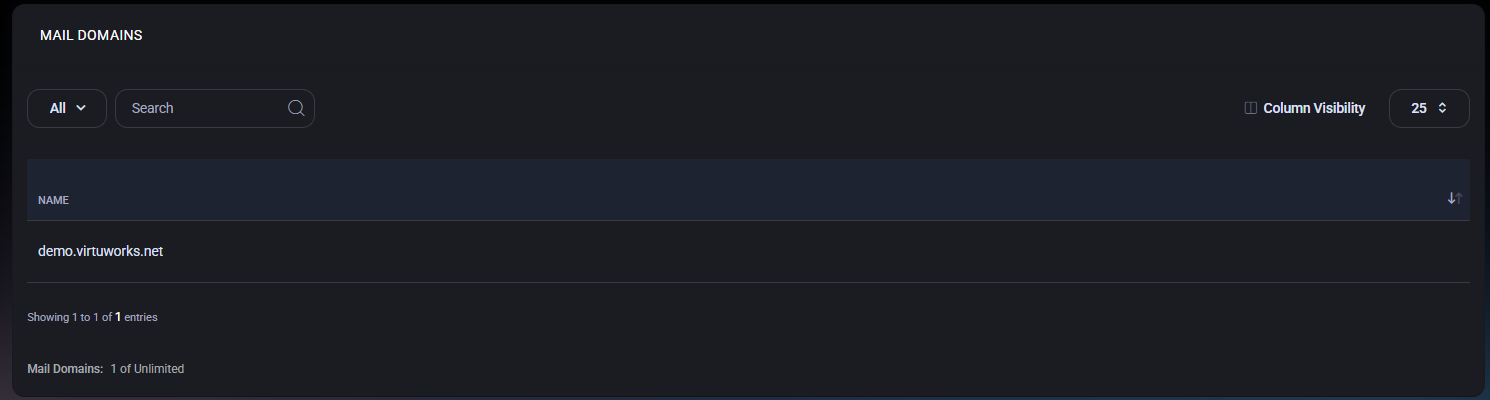
Mail objects in MSPControl are always created under a domain (the part after @). Before you create mailboxes and routing objects, you should verify the required domain is present here.
If a domain is missing, mail addresses cannot be created under it, even if DNS is already configured externally. Domain availability is controlled by the underlying mail provider configuration.
The domains list displays domains currently available to the mail system.
The footer displays domain capacity usage (for example, Mail Domains: 1 of Unlimited). This indicates how many domains are currently present versus the allowed limit for the organization or plan.
If your environment enforces a domain limit, this indicator helps you confirm whether you can add additional domains at the mail provider level before they become usable in MSPControl.

No credit card required for free, limited license.